

Automate TradingView with AI: Data to AI, Alerts, and Trade Execution
Turn TradingView into an AI-assisted trading desk. Send your chart and indicators to AI, get analysis, fire smart alerts, and execute through your connected broker — without writing Pine Script.
An AI extension for TradingView, not another webhook bot
Our Chrome extension runs inside TradingView in your browser. It reads the chart, indicators, drawings, watchlist and trading panel, sends that to the AI you choose, and can fire alerts or place orders back through TradingView — with limits you control. Nothing to install on a server, no Pine Script required, and your layouts stay exactly as they are.
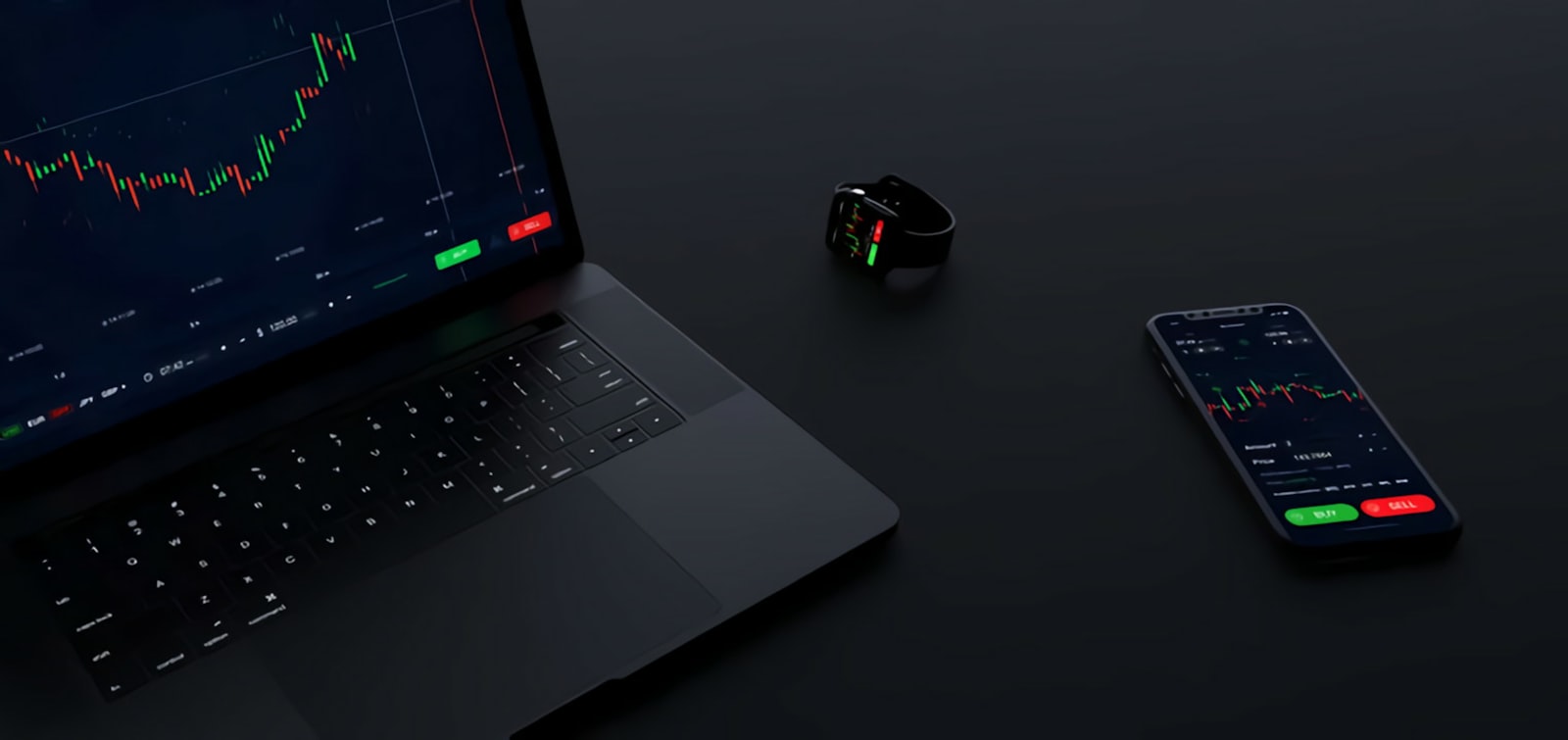
Why TradingView is the best place to start with AI trading
TradingView is web-based, has the richest charting, supports broker integration for live execution, and its alerts and webhooks are a natural handoff to an AI agent. Our Chrome extension reads the chart directly, so you keep your layouts, indicators and drawings — the AI sees exactly what you see.
What you can automate on TradingView
01
Send TradingView chart data to AI
Candles, indicator values, drawings, watchlist, screener rows.
02
AI chart analysis
Structured read of trend, levels, patterns, invalidation, with your own prompt templates.
03
TradingView alerts to AI
Existing alerts and webhooks become inputs to the agent, which decides and acts.
04
AI-fired alerts
Plain-English conditions the agent monitors, delivered to Telegram, Discord, email, SMS or webhook.
05
Trade execution
Orders placed through TradingView’s trading panel to your connected broker, with size limits, confirm mode and kill switch.
06
Pine Script with AI
Generate, debug and refine indicators and strategies with AI, then run them live.
TradingView AI agent vs. TradingView bots
A classic TradingView bot forwards a webhook to a broker: one rule, one action. An AI agent reads context — the chart, news, your open risk, your written rules — and decides whether the trigger is worth acting on. It explains its reasoning, logs it, and respects the limits you set.
Brokers and markets
Anything TradingView can trade — futures via Tradovate, AMP, Ironbeam and Optimus; forex and CFDs via OANDA, FOREX.com, Pepperstone and IC Markets; crypto via Binance, Bybit, Coinbase and Kraken; stocks via Interactive Brokers, Alpaca and TradeStation. If your broker is not integrated in TradingView, we route execution through the broker’s own web platform. See all platforms →
Options
Automation carries risk. Nothing on this page is investment advice; every tool we build ships with position limits, a confirm mode and a kill switch, and you remain responsible for your trading decisions.
Ready to put an AI agent on your platform?
Tell us which platform you trade on and what you want AI to handle. An engineer replies within one business day.
Talk to us about AI for your trading
Tell us which platform you trade on and what you want AI to handle — data feed, alerts, execution, or learning to do it yourself. A real engineer replies, not a bot.
Email:
Phone: +1 (773) 203-6559
TradingSoft, 420 N Wabash Ave, Ste 512, Chicago, IL 60611
